Clean Album, Delete Duplicates
Is your iPhone storage constantly full? CleanSnap is an all-in-one premium toolkit designed to help you quickly reclaim your device's space, organize your media, and protect your digital privacy.
CleanSnap is a premium, subscription-based application. To access any of the features listed below, you must have an active subscription. We believe in the value of our product, which is why we offer a [2-Week] Free Trial for you to experience the full power of CleanSnap before you are charged. If it doesn't solve your storage problems, simply cancel before the trial ends.
All features below are unlocked with an active subscription.
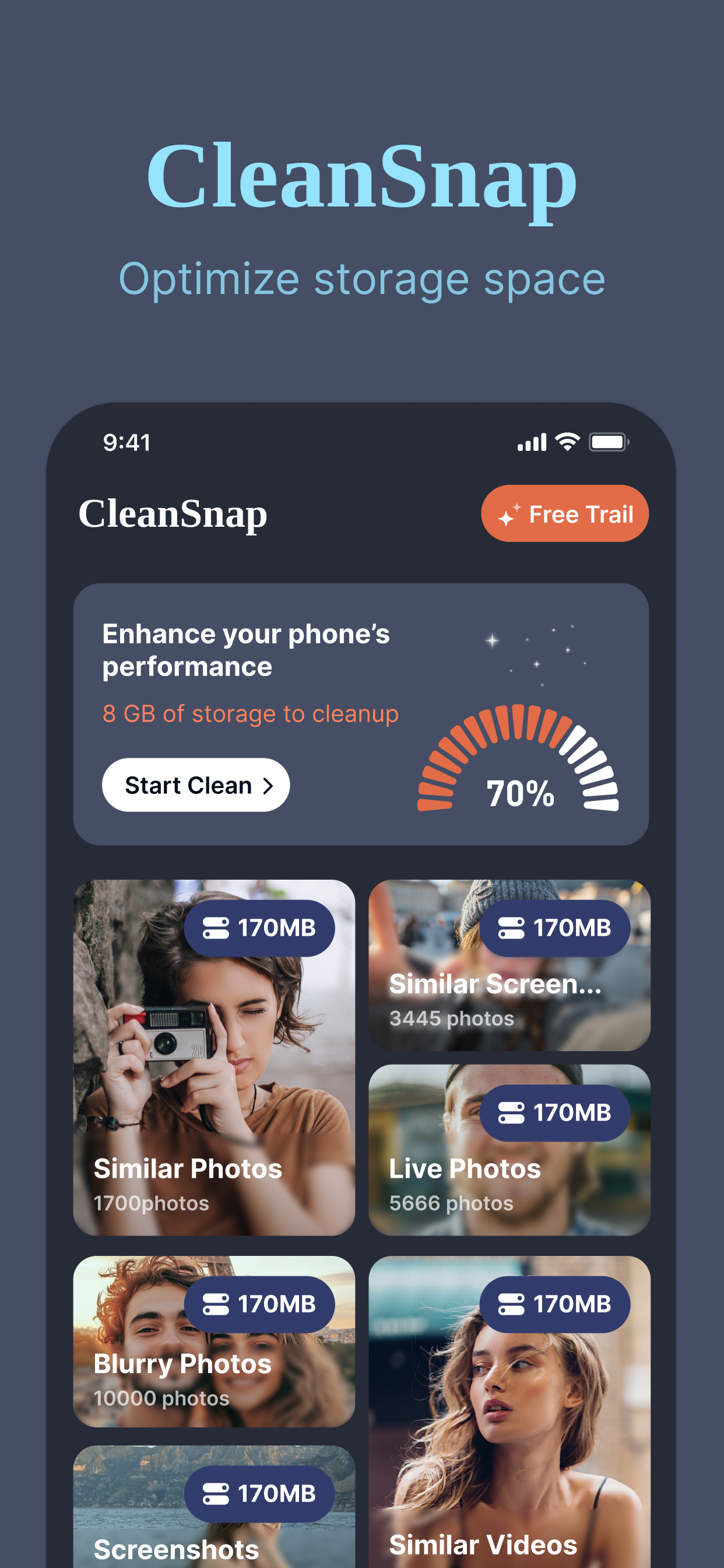
Reclaim gigabytes of potential storage space. One tap smartly scans your device to identify and remove unnecessary clutter.
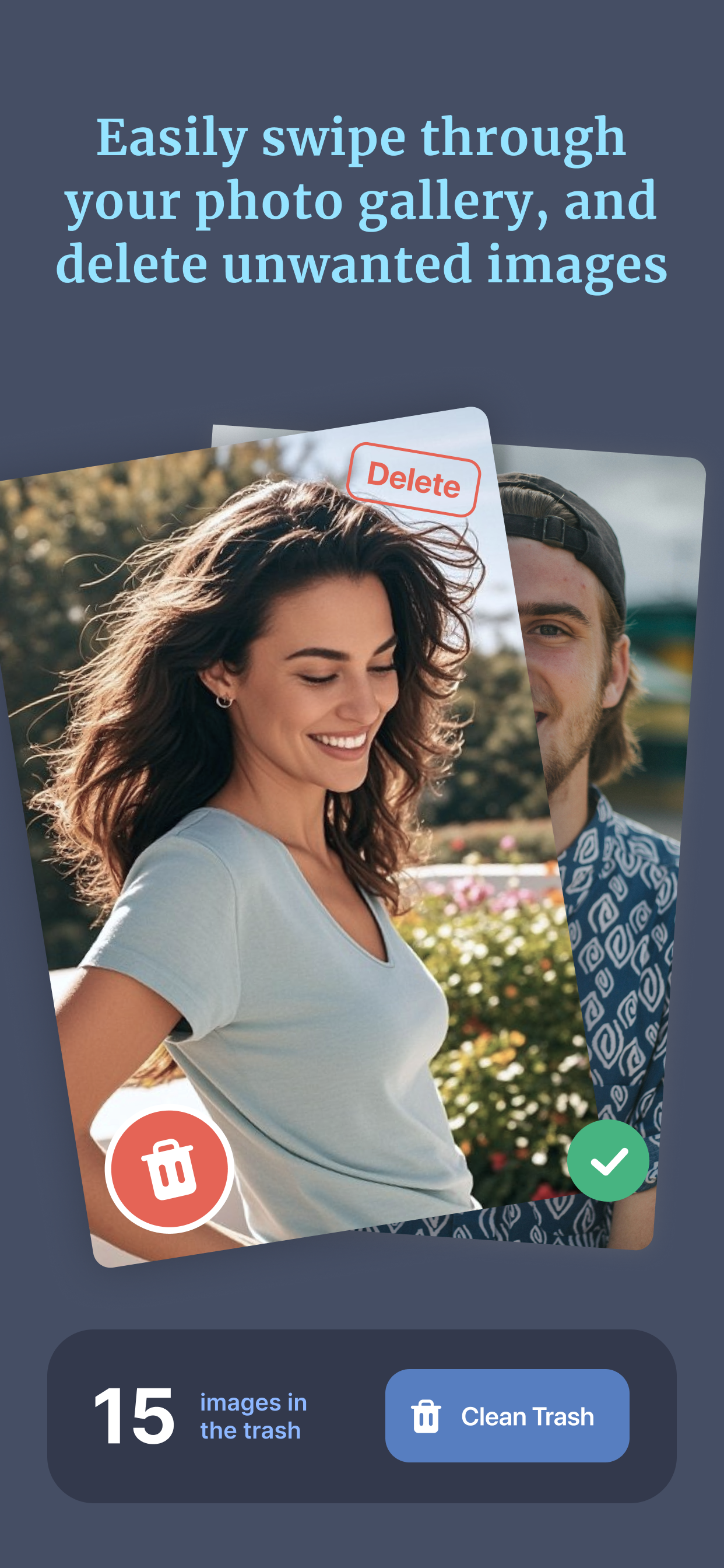
Organizing your camera roll has never been easier. Swipe right to keep a photo, swipe left to delete it.
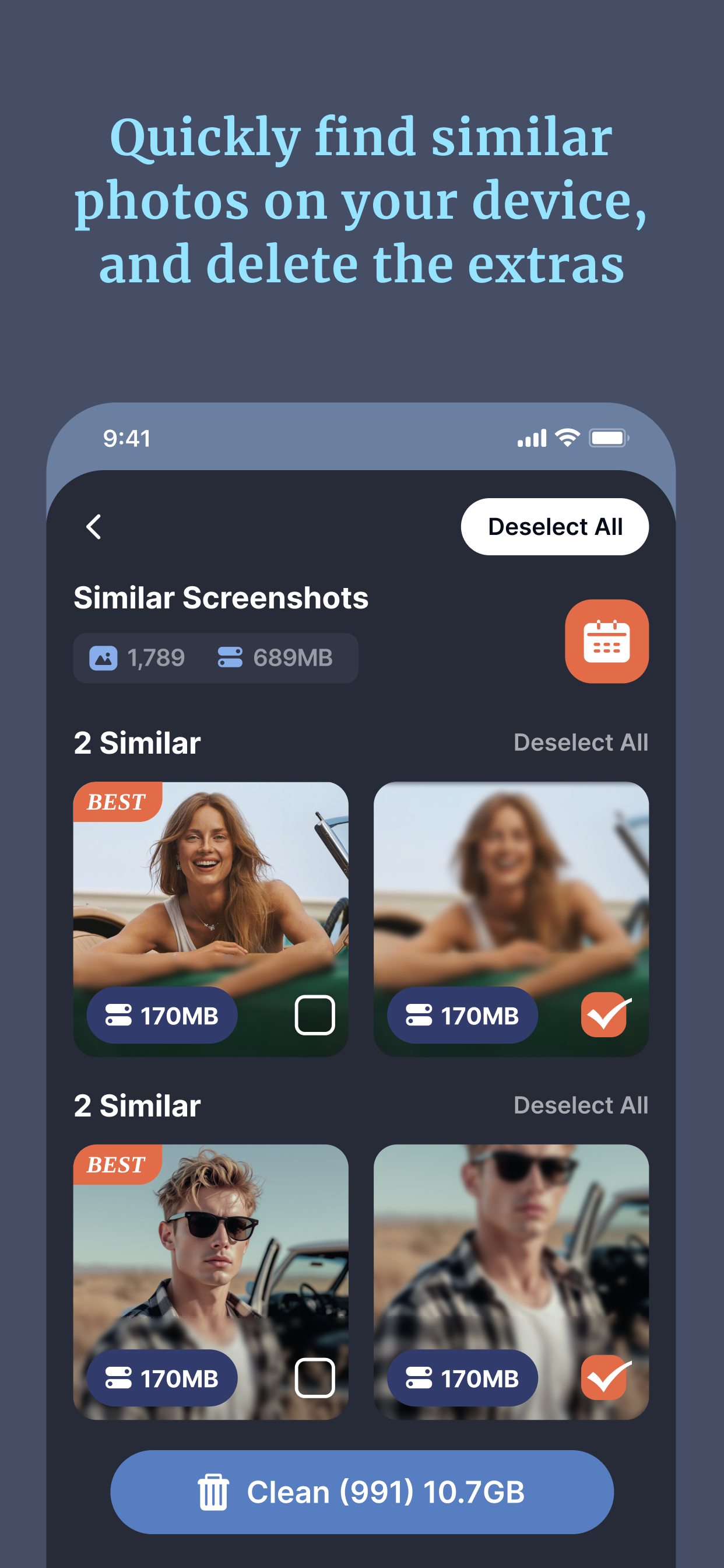
Stop wasting space on burst shots and duplicates. CleanSnap instantly groups identical and visually similar media so you can keep the best and trash the rest.
Experience a smarter camera roll. Our AI automatically categorizes your photos (e.g., foodies, nature, selfies), making it effortless to find what you need or delete what you don't.
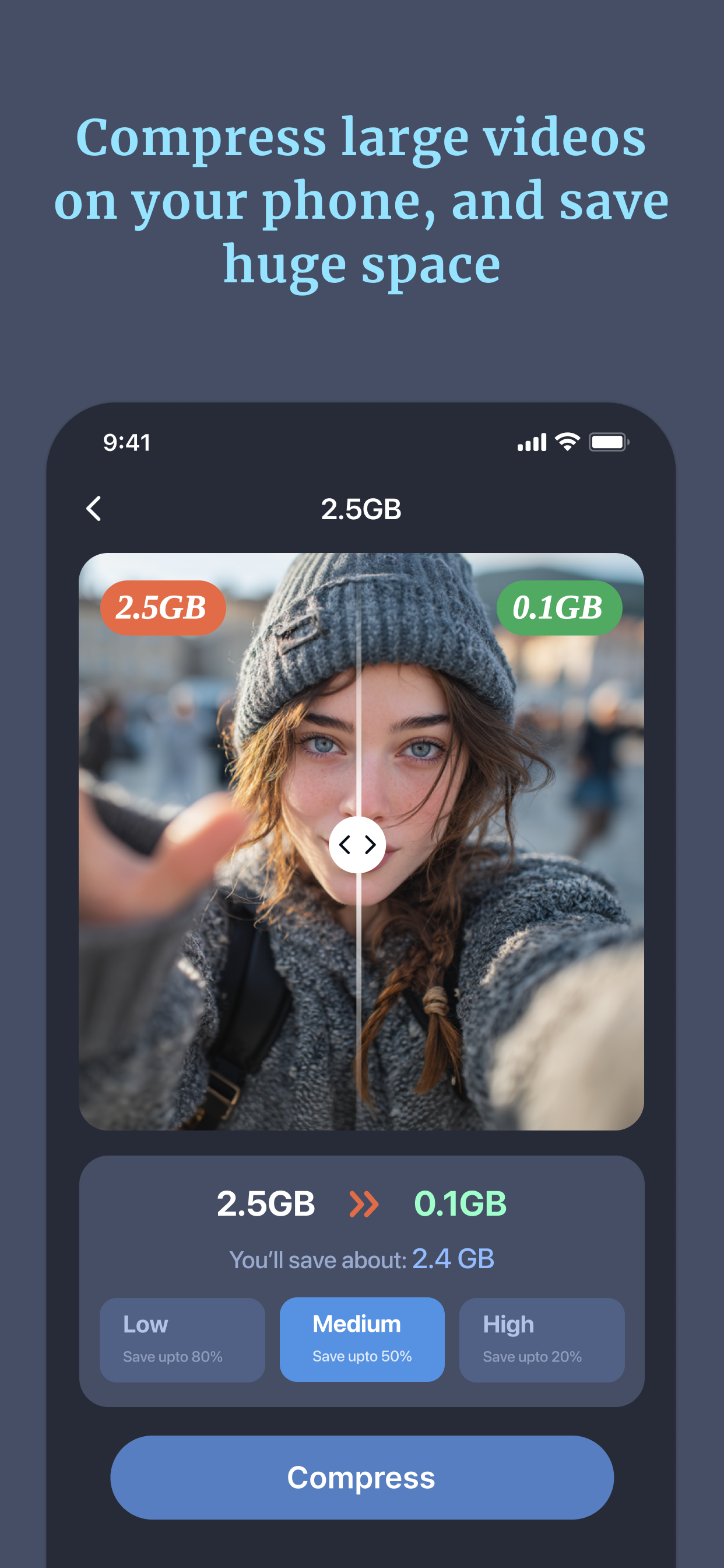
Free up massive amounts of space without deleting your memories. Compress large videos and photos to smaller file sizes while preserving visual quality.
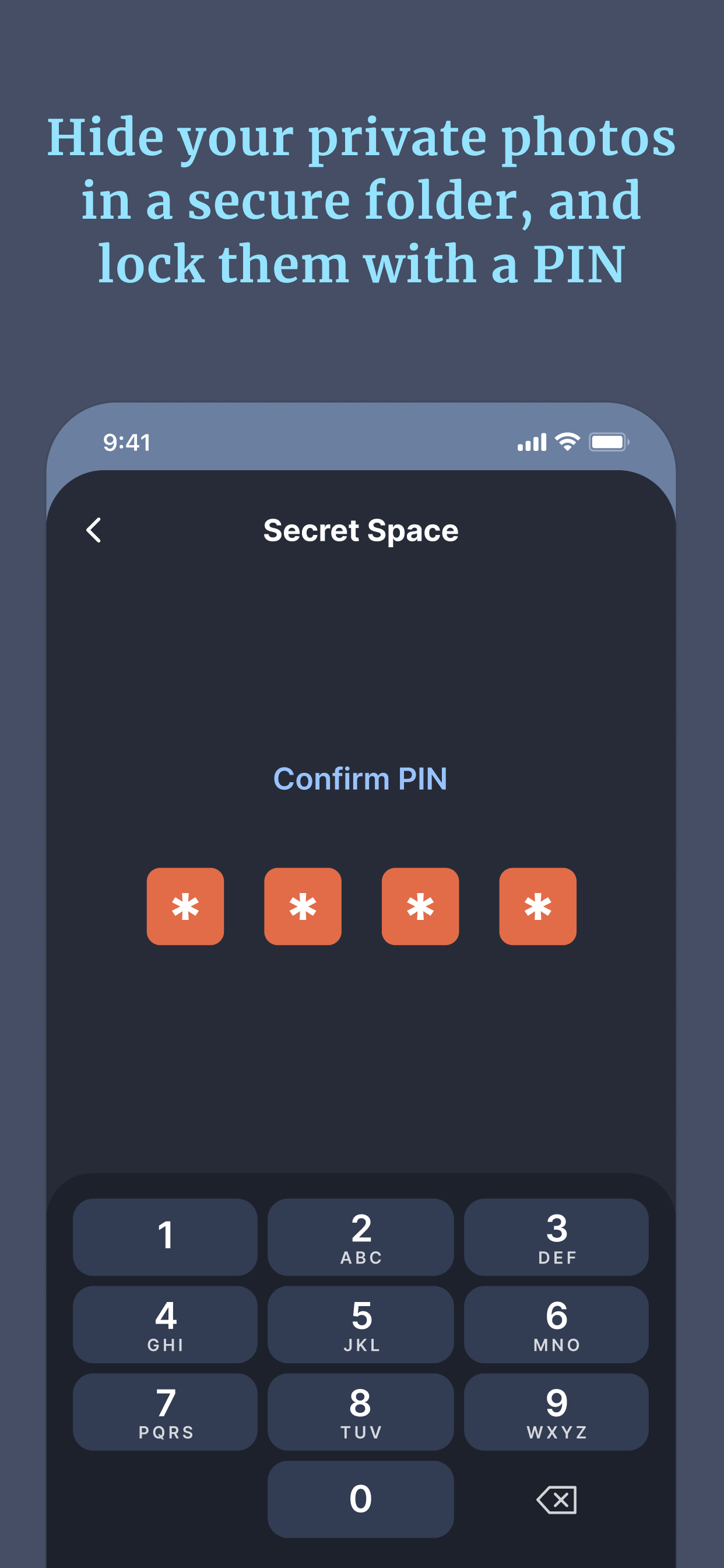
Your privacy matters. Hide your sensitive photos, videos, and private contacts in a secure folder protected by Face ID / Passcode.
Make plugging in your phone fun. Customize your lock screen with stunning visual animations while your device powers up.
Monitor your available storage, battery life, and device status at a glance directly from your iOS Home Screen.
A clean, intuitive interface designed for effortless storage management.
CleanSnap requires an auto-renewing subscription (Weekly / Yearly) to access all features.
Payment will be charged to your Apple ID account at the confirmation of purchase or after the free trial period ends.
The subscription automatically renews unless auto-renew is turned off at least 24 hours before the end of the current period.
You can manage and cancel your subscriptions by going to your App Store Account Settings after purchase.
Deleting the App does not cancel your subscription. You must cancel through your Apple ID account settings.